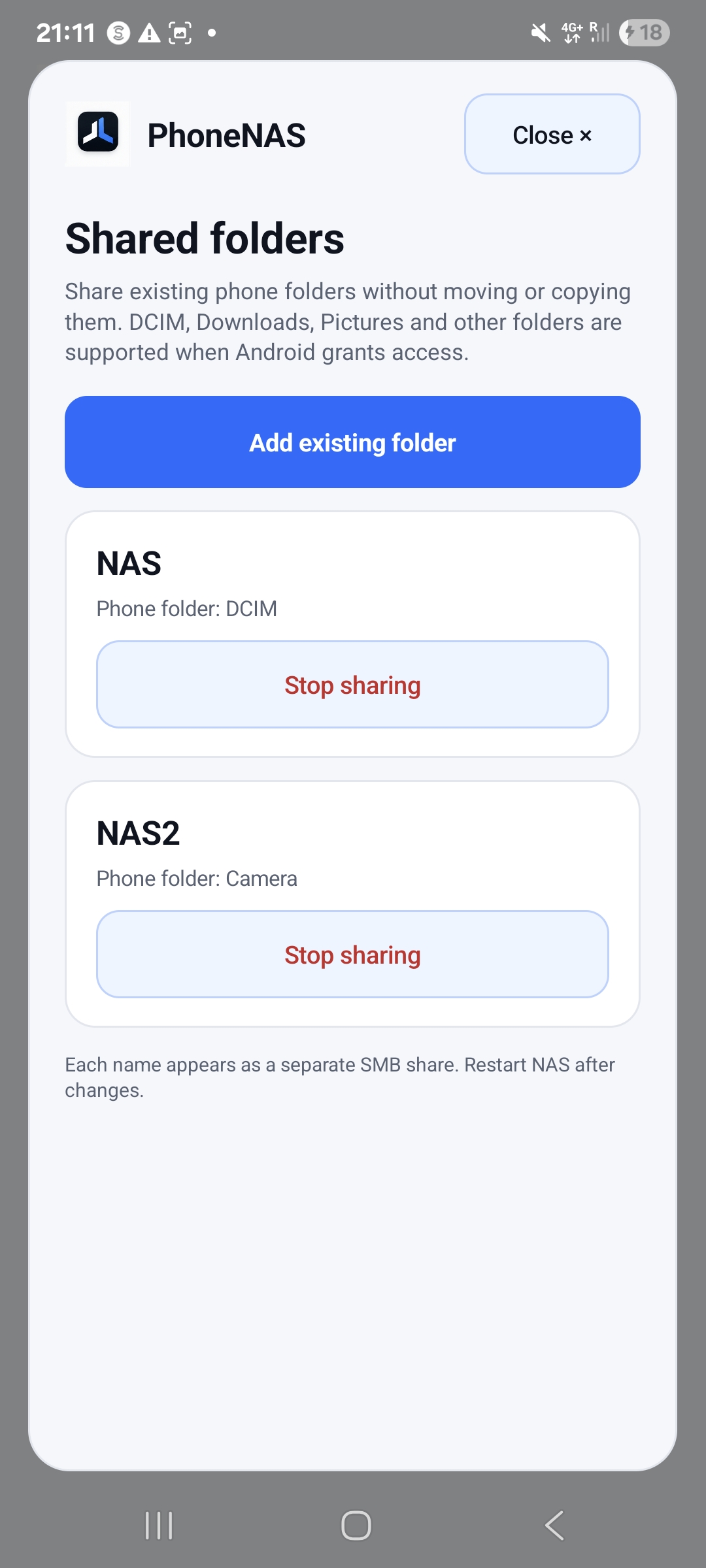
Existing folders
Share folders such as Downloads or DCIM, subject to Android’s storage access rules.
 JENUXLABS
 PhoneNAS
Share selected Android folders with computers on your trusted local network using familiar SMB access, users and permissions.
Want to know how PhoneNAS handles storage, access and privacy? Read privacy & safety →
The helper is optional. It only prepares and opens a local SMB address in Finder. No telemetry, cloud connection or automatic upload.
A PHONE-SIZED NAS
PhoneNAS is built around explicit folders and named users, not an all-or-nothing view of the phone.
Share folders such as Downloads or DCIM, subject to Android’s storage access rules.
Give each selected folder a clear SMB share name.
Add users and control which shares each one can access.
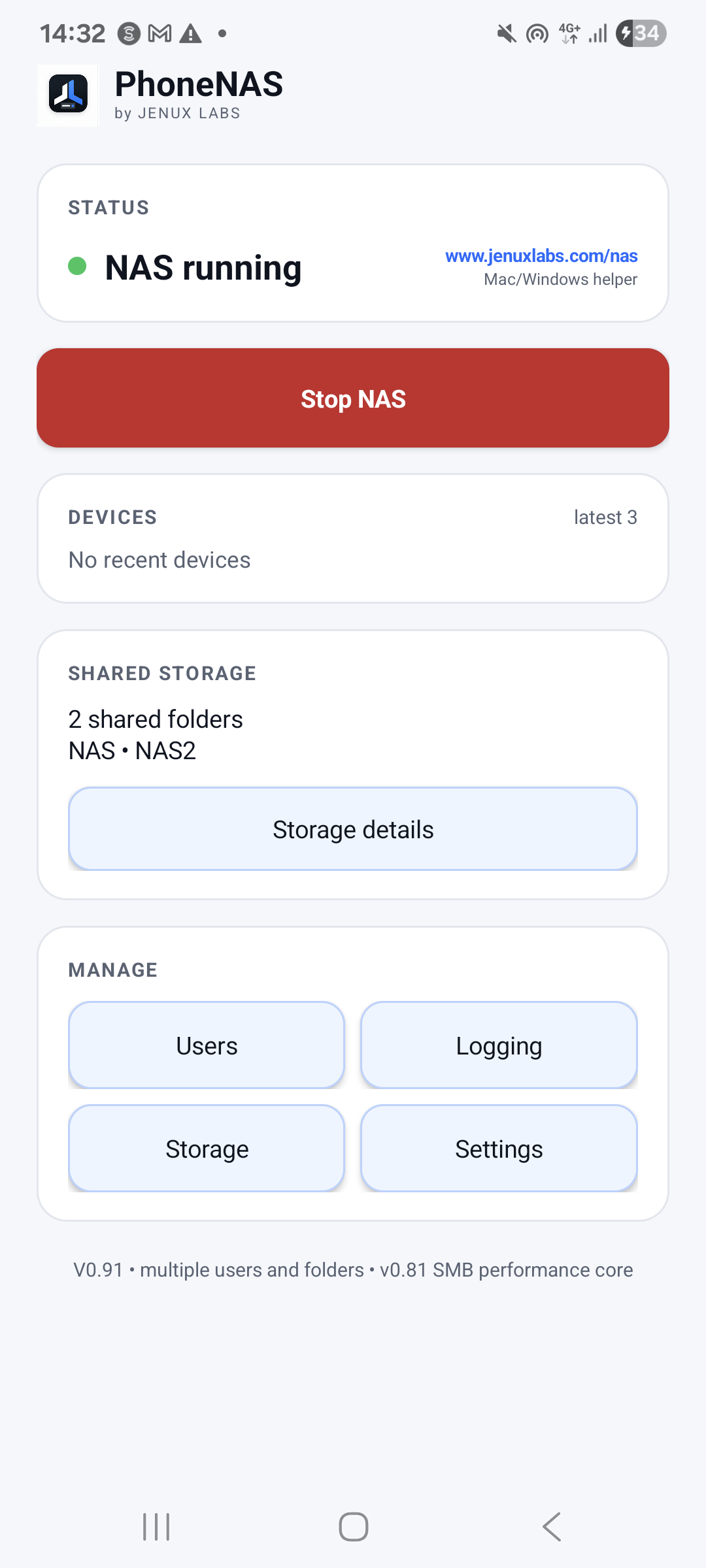
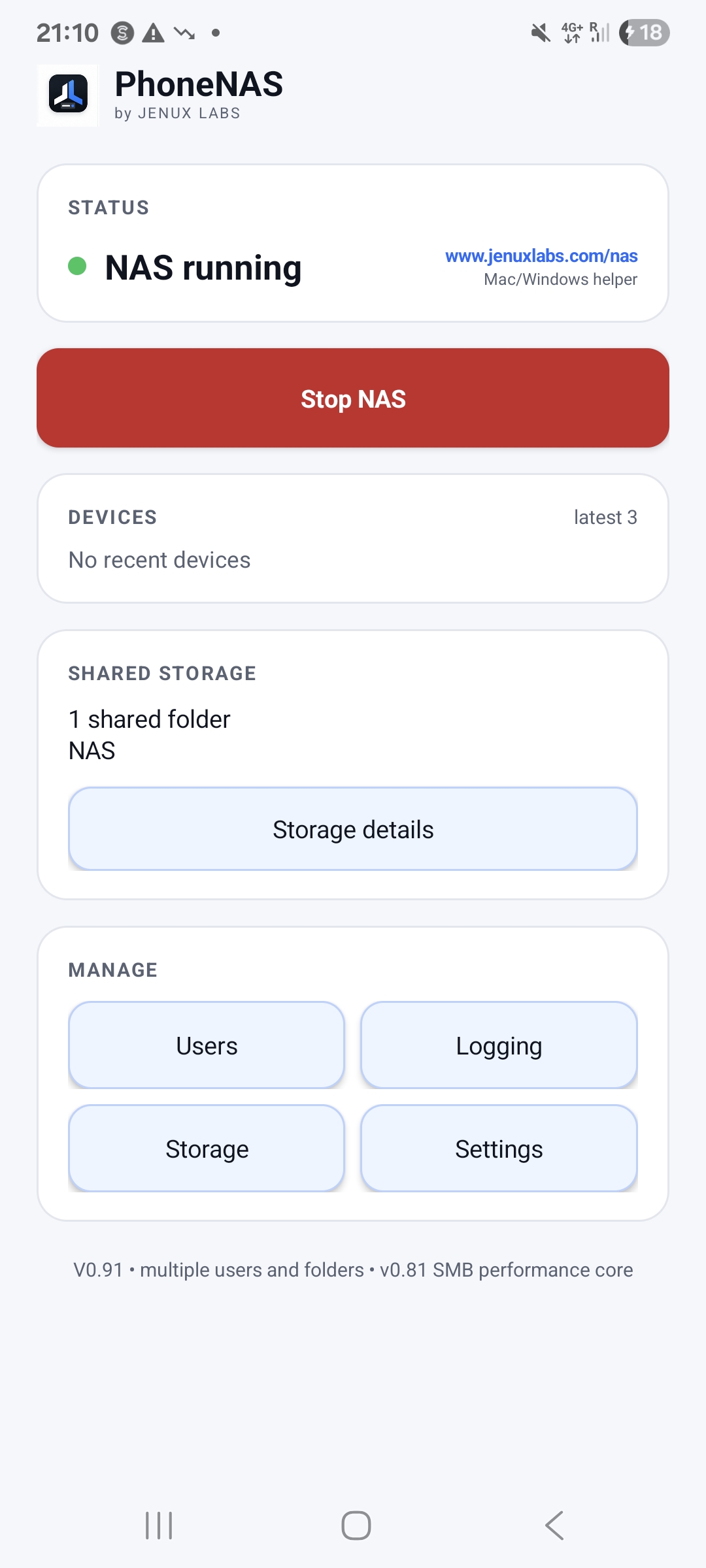
See status, recent devices, logs, network details and battery settings in one app.
STORAGE THAT CAN GROW
Today, PhoneNAS shares the folders Android makes available through its system folder picker. That keeps access explicit and permission-safe.
Broader removable-drive and filesystem support is planned next, so a phone can become the compact controller for more of the storage you already own.
THE REAL APP
Start or stop the NAS, inspect recent devices, manage folders and open the detailed controls when needed.
CONNECT YOUR WAY
PhoneNAS is intended for trusted local networks. Do not expose its SMB port directly to the internet. The Mac helper is ad-hoc signed and not notarized; first launch may require Control-click → Open.